Help Center
Restart Cox Cable From Settings
Restart Cox Cable/Streaming Box from Device Settings
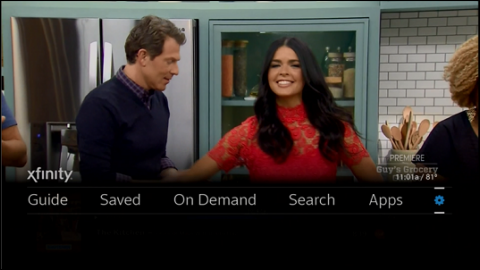
- Using the remote, press the xfinity button.
- Use the left arrow or right arrow button to highlight Settings (the gear icon). Press OK.
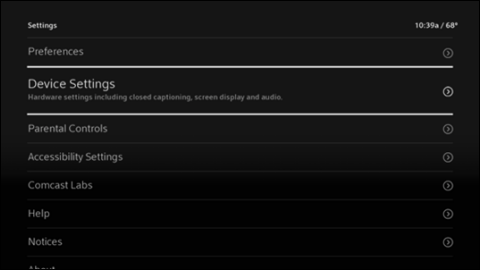
- Use the down arrow button to highlight Device Settings. Press OK.
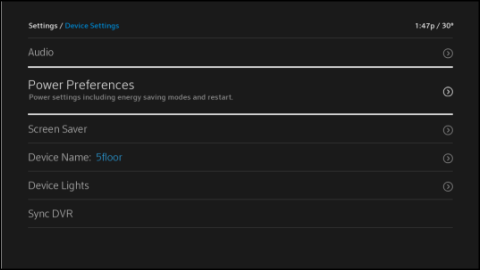
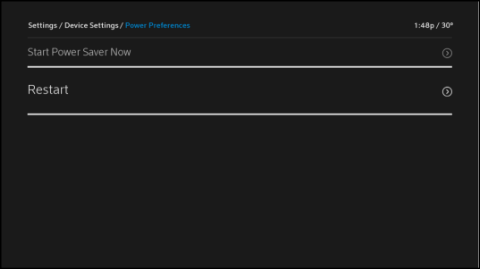
- Use the down arrow button to highlight Power Preferences. Press OK.
- Use the down arrow button to highlight Restart. Press OK.
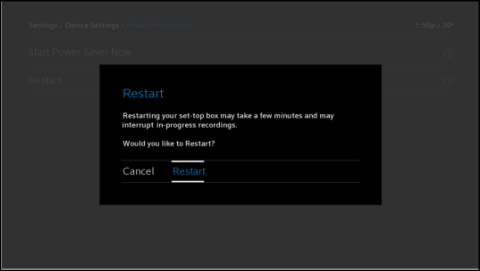
- Use the right arrow button to highlight Restart. Press OK.
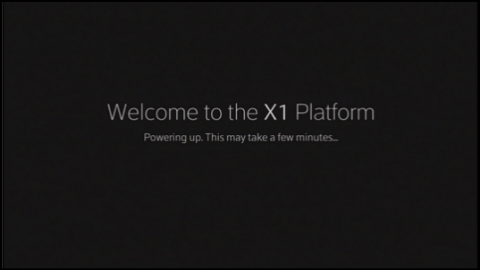
- An X1 Welcome screen should display.
- The TV Box will resume playing the previous channel.